Connect Instagram to Helplexa
Learn how to connect your Instagram professional account to Helplexa
Before you start
You can't use an Instagram personal account with Helplexa.
Your plan controls how many integrations you can connect. Free workspaces can connect 1 integration. Starter/Paid workspaces can connect up to 4.
Meta allows replies within a 24-hour messaging window. Each time the customer sends a new message, the 24-hour window starts again.
Steps
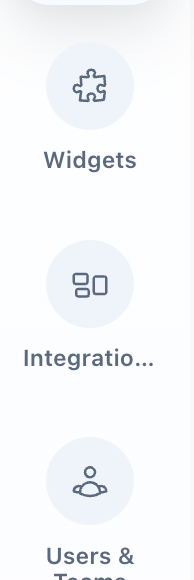
In your Helplexa workspace, go to integrations.
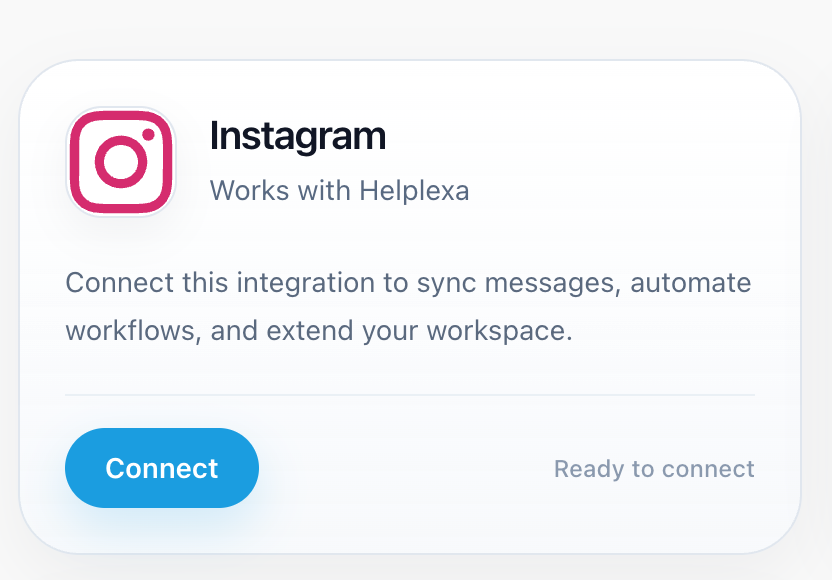
Find the Instagram integration and click connect.
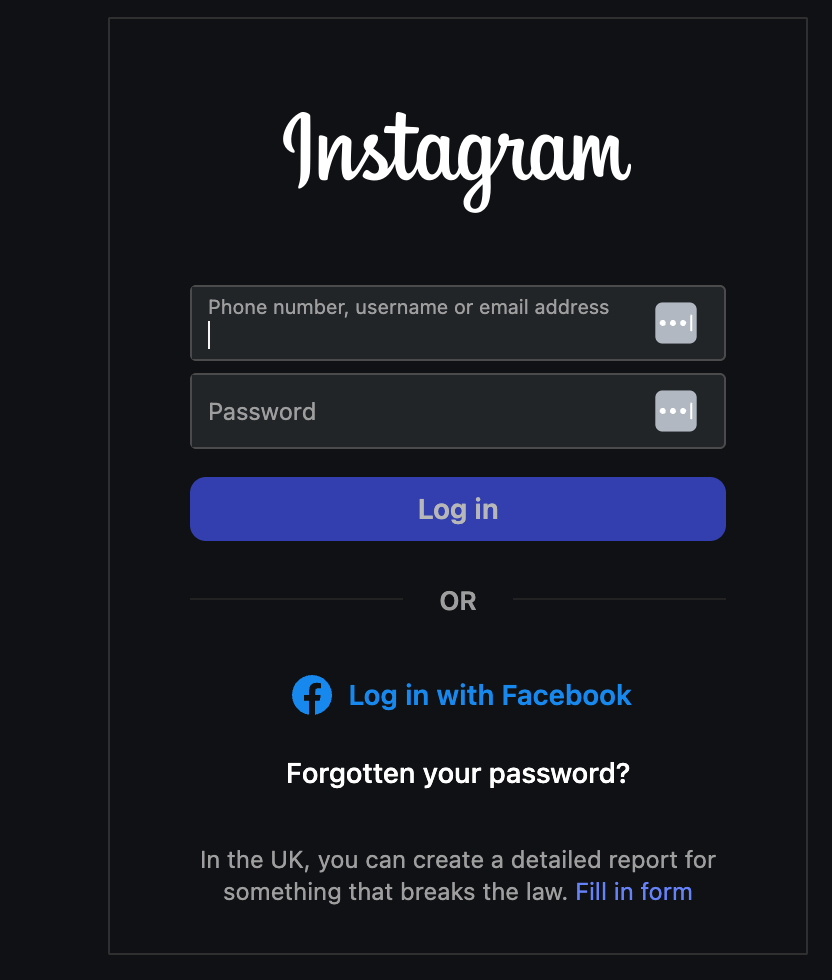
Log in to the Instagram professional account you want to connect.
Review the permissions and click Allow.
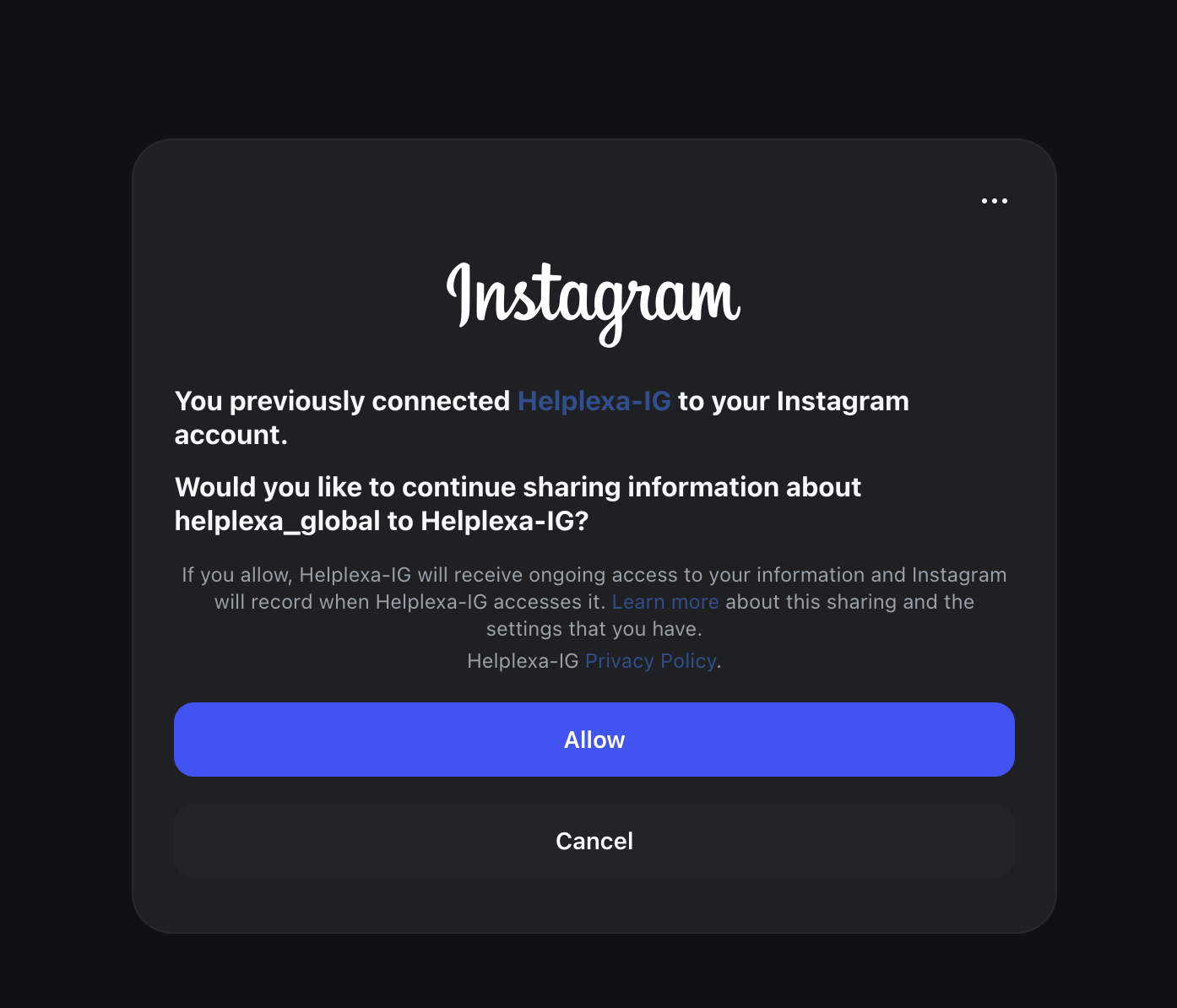
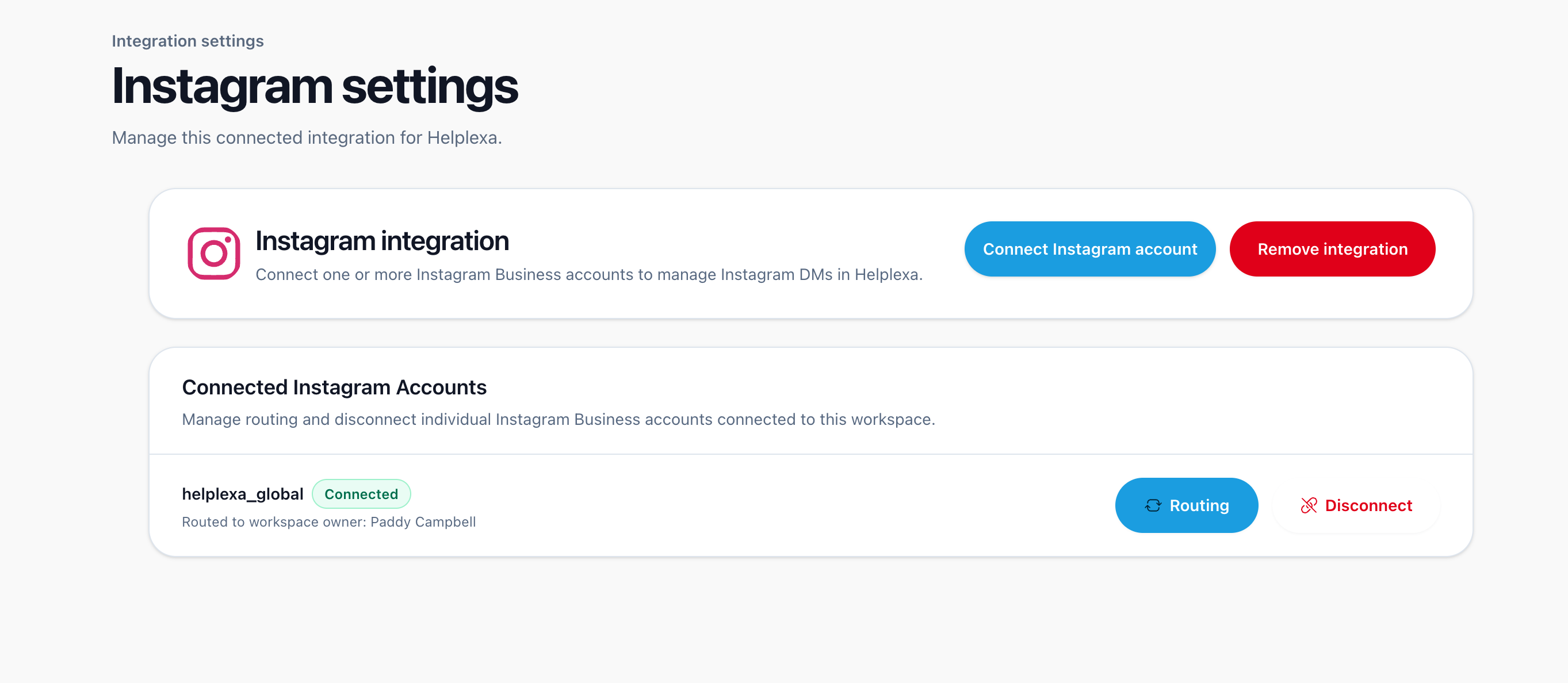
After approval, you’ll return to your Helplexa Instagram settings page, where the account should appear as connected.
Was this article useful?