Connect Calendly to Helplexa
Connect your Calendly account to Helplexa so your team can send booking cards and booking links directly from chat.
Before you start
Calendly may require a paid plan for some integration features.
Your Helplexa plan must have an available integration slot. Free: 1 integration. Starter/Paid: 4 integrations.
This integration is currently in beta.
Steps
Log in to your Helplexa workspace.
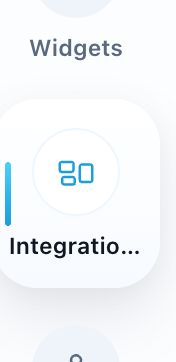
Go to Integrations.
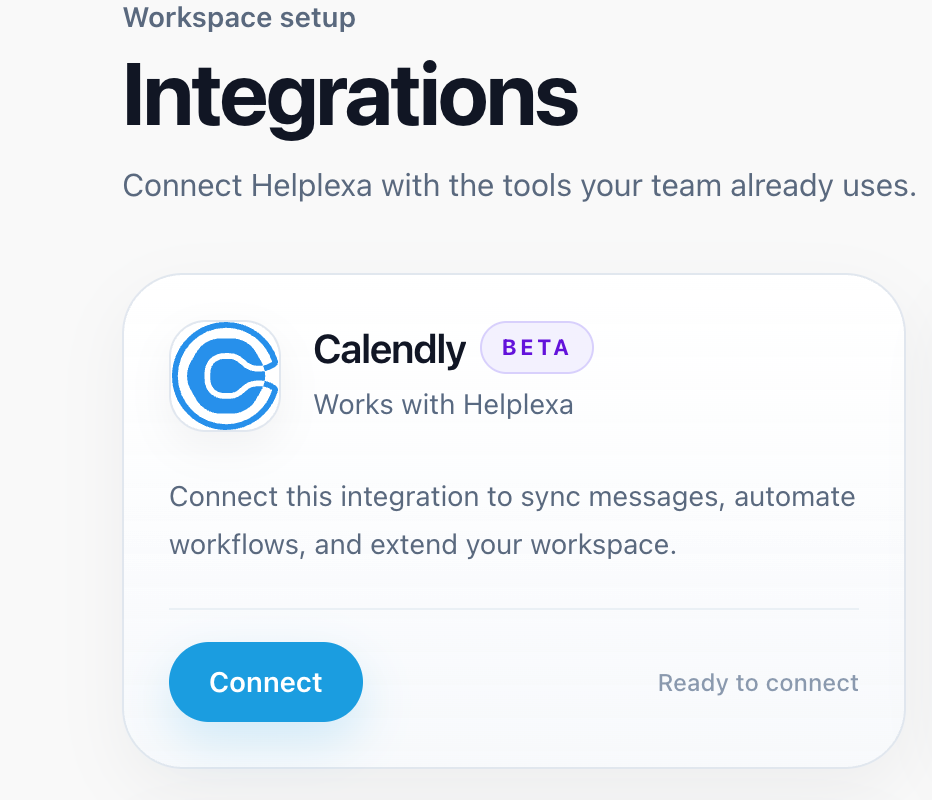
Find Calendly and click Connect. You will be redirected to Calendly to log in and approve the connection.
After approving the connection, you will be redirected back to the Calendly settings page in Helplexa.
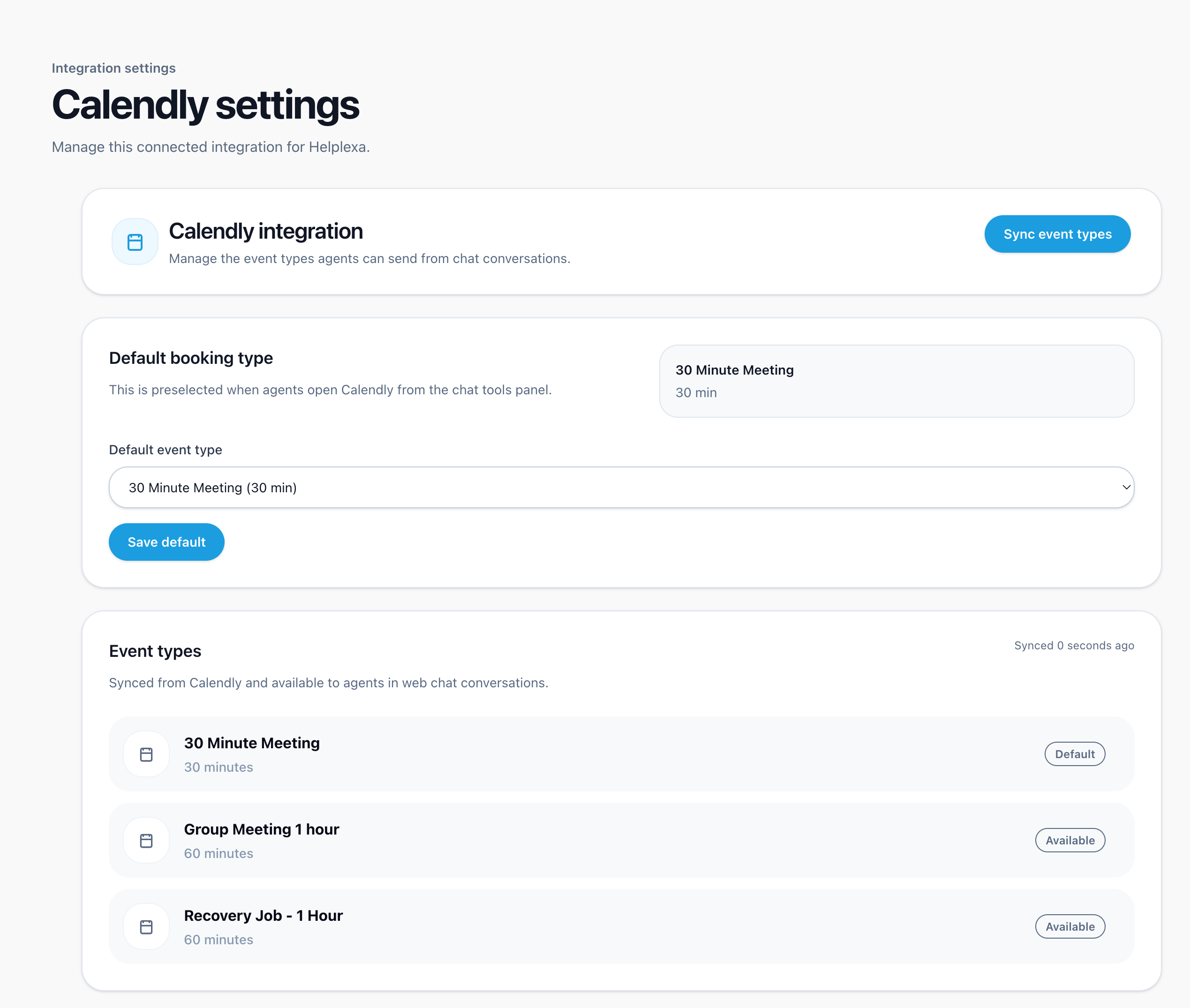
(Optional) Choose a default booking type. This is the event type agents can send quickly from chat.
(Optional) Click Sync event types whenever you add or change event types in Calendly, so Helplexa stays up to date.
Related articles
Was this article useful?