How do I connect my Helplexa user account to Slack?
Learn how to connect your Helplexa user account to Slack. Your Helplexa email address must match the email address on your Slack account.
Before you start
Slack must already be connected to your Helplexa workspace.
Your Helplexa user account and Slack account must use the same email address..
Steps
In your Helplexa workspace, go to Users & Teams and select your user.
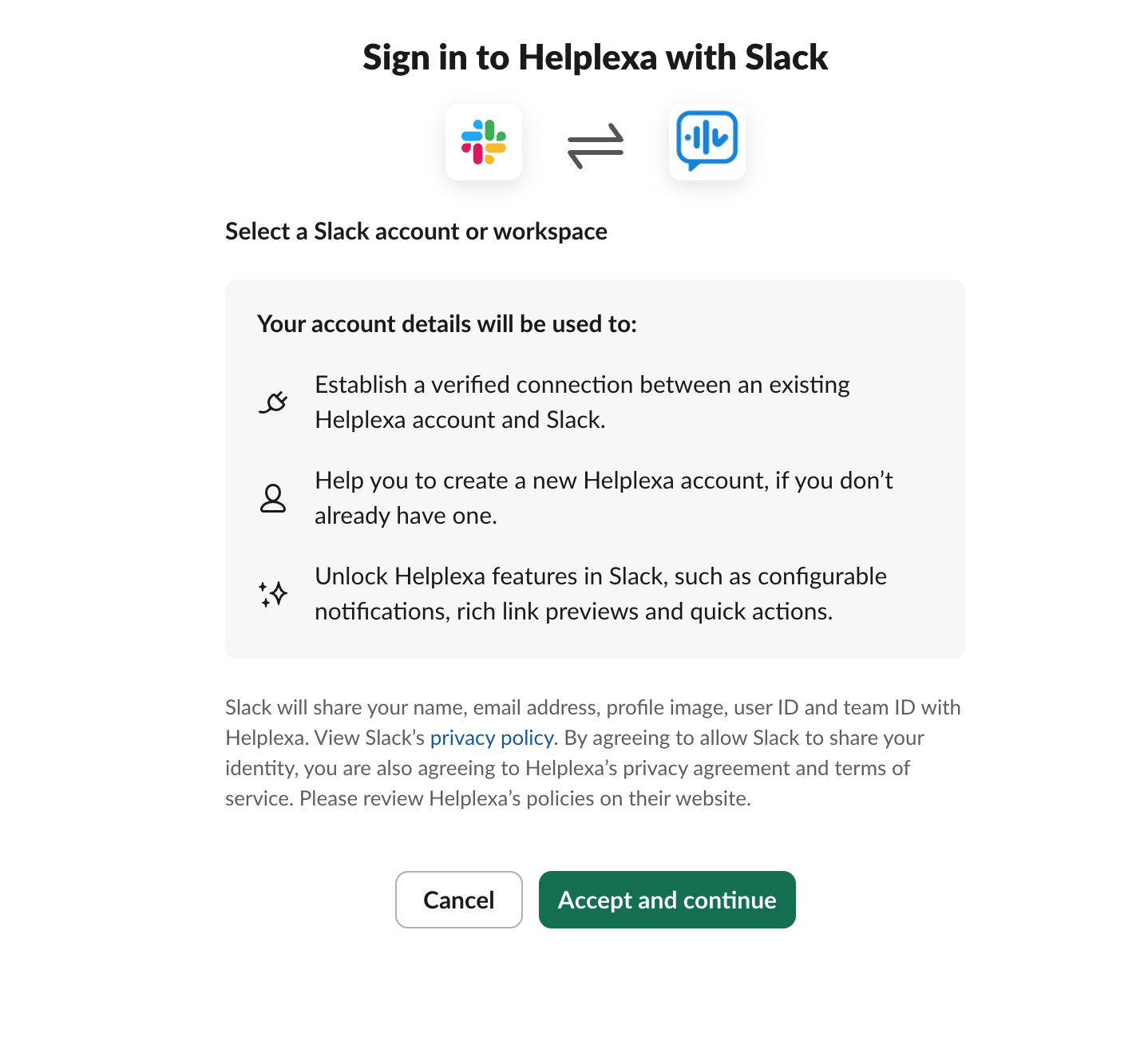
Click Connect Slack. You will be redirected to Slack to approve the connection.

Click the Accept and Continue. You will be redirected back to Helplexa, and your user account will now be connected to Slack.

Related articles
Was this article useful?