How do I connect Slack to my Helplexa workspace?
Learn how to connect Slack to your Helplexa workspace so your team can share and respond to customer conversations directly from Slack.
Before you start
You will need a Slack account with permission to approve apps for your Slack workspace.
You will need a Helplexa account with an available integration slot. Free accounts currently allow on integration. Paid accounts allow more.
You must be an owner or admin of the Helplexa workspace you want to connect..
Steps
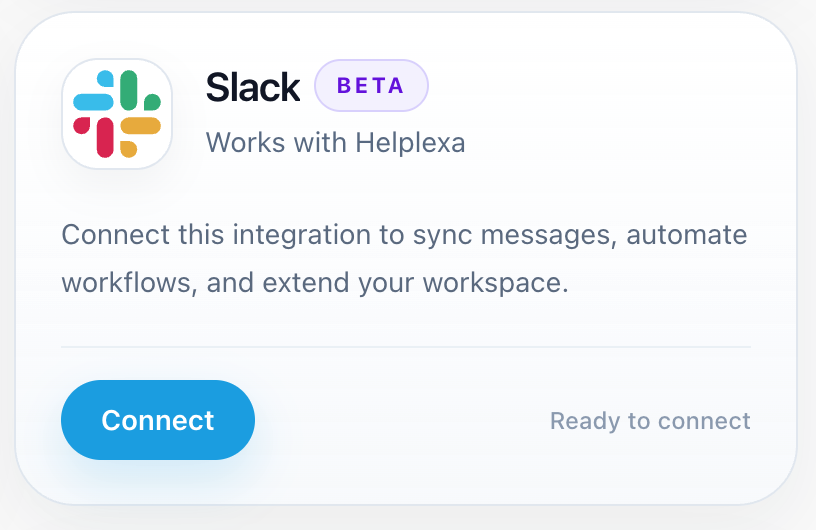
In your Helplexa workspace, go to Integrations and click Connect on the Slack integration. You will be redirected to Slack.
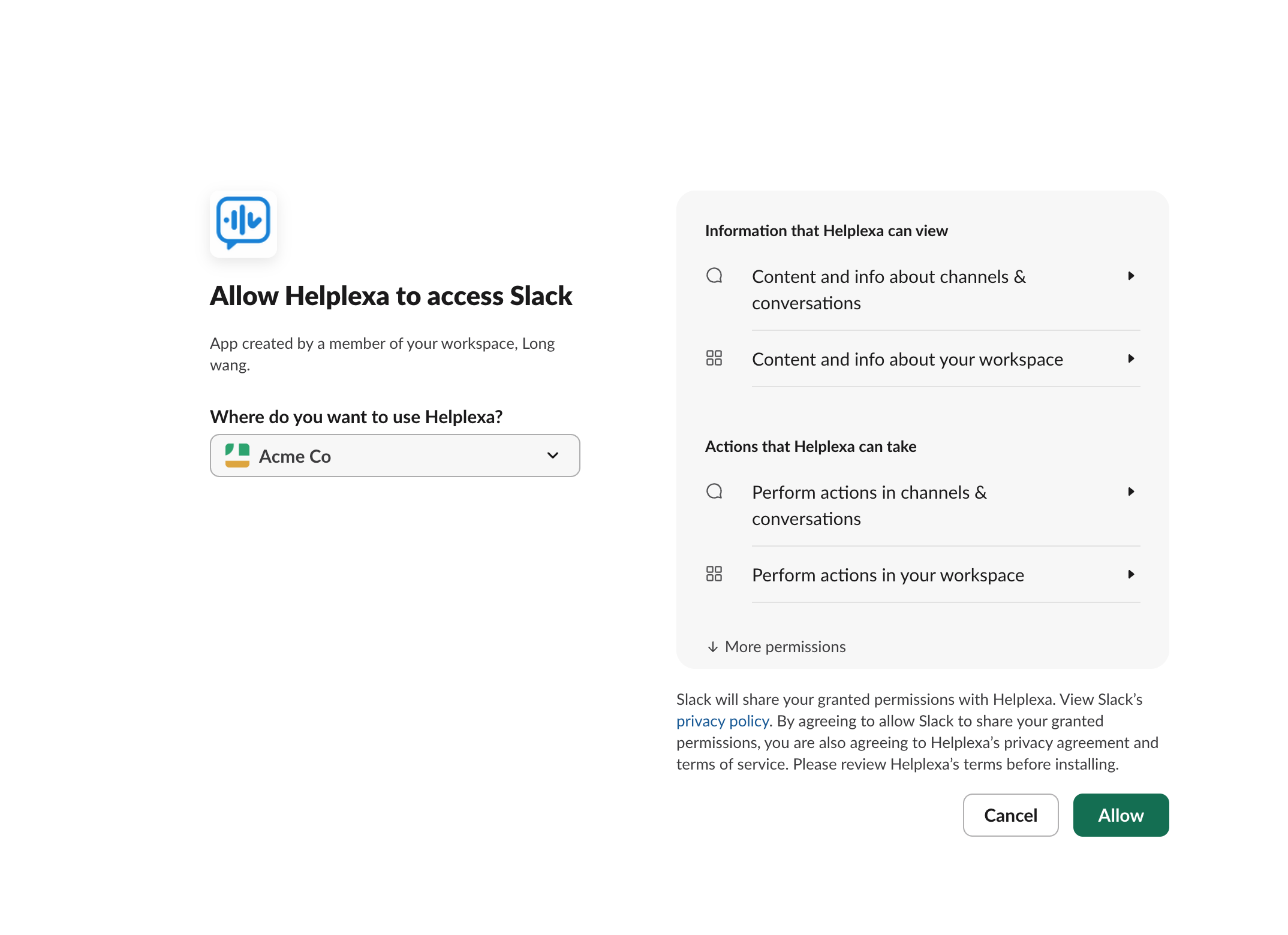
Check that the correct Slack workspace is selected, then click Allow. You will be redirected back to Helplexa.
Your Helplexa workspace is now connected to Slack.

Related articles
Was this article useful?